
How to Add and Style Text in Your Book
Add a text box, pick premium fonts and pairings, adjust size, color, and position, and edit your story text in the AnyTale editor.
Jul 5, 20263 min
Articles about How-To
Add a text box, pick premium fonts and pairings, adjust size, color, and position, and edit your story text in the AnyTale editor.
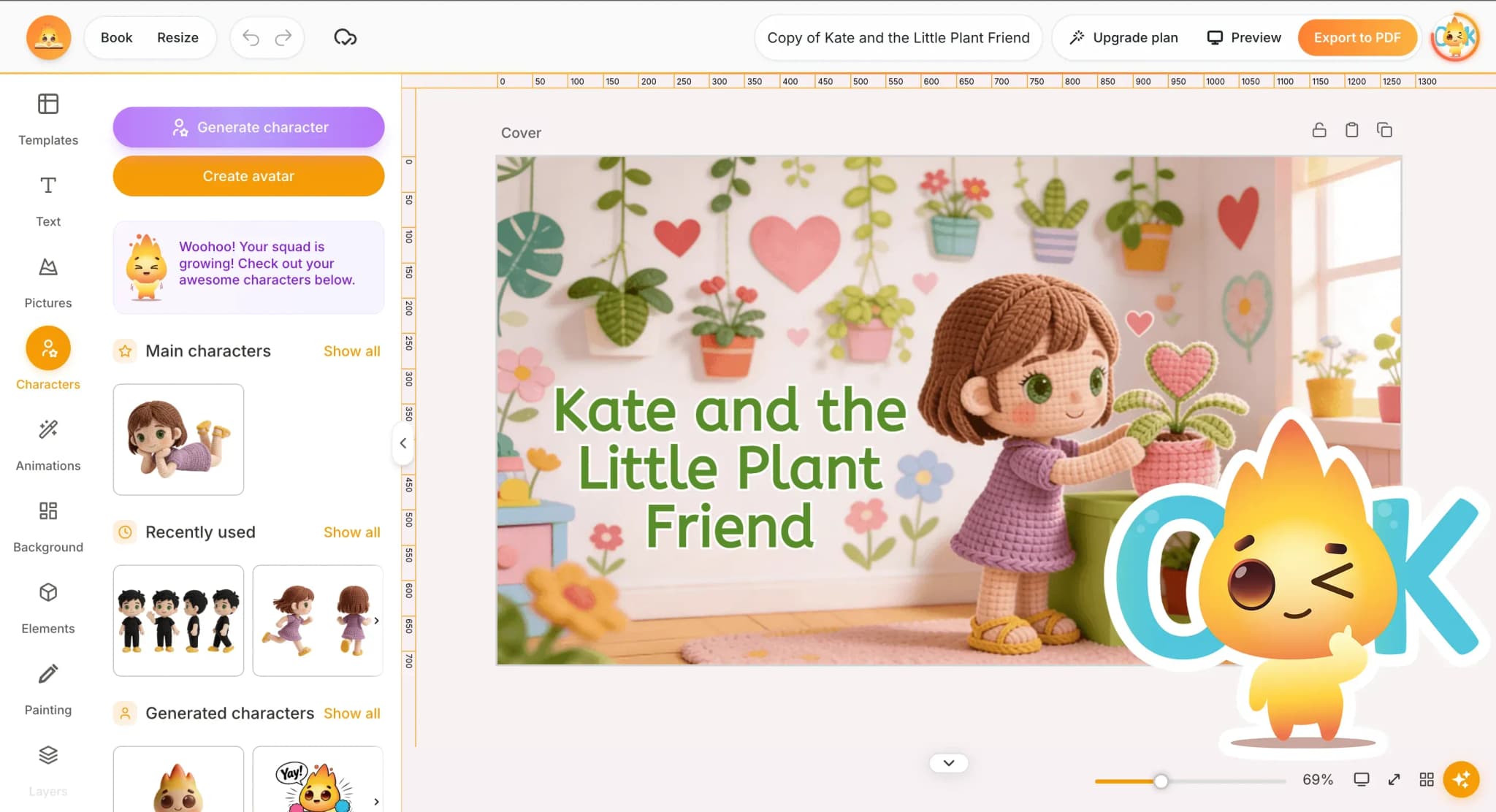
A friendly, step-by-step walkthrough for beginners: start a new book, add your story idea, let AI generate pages and art, then review and save.
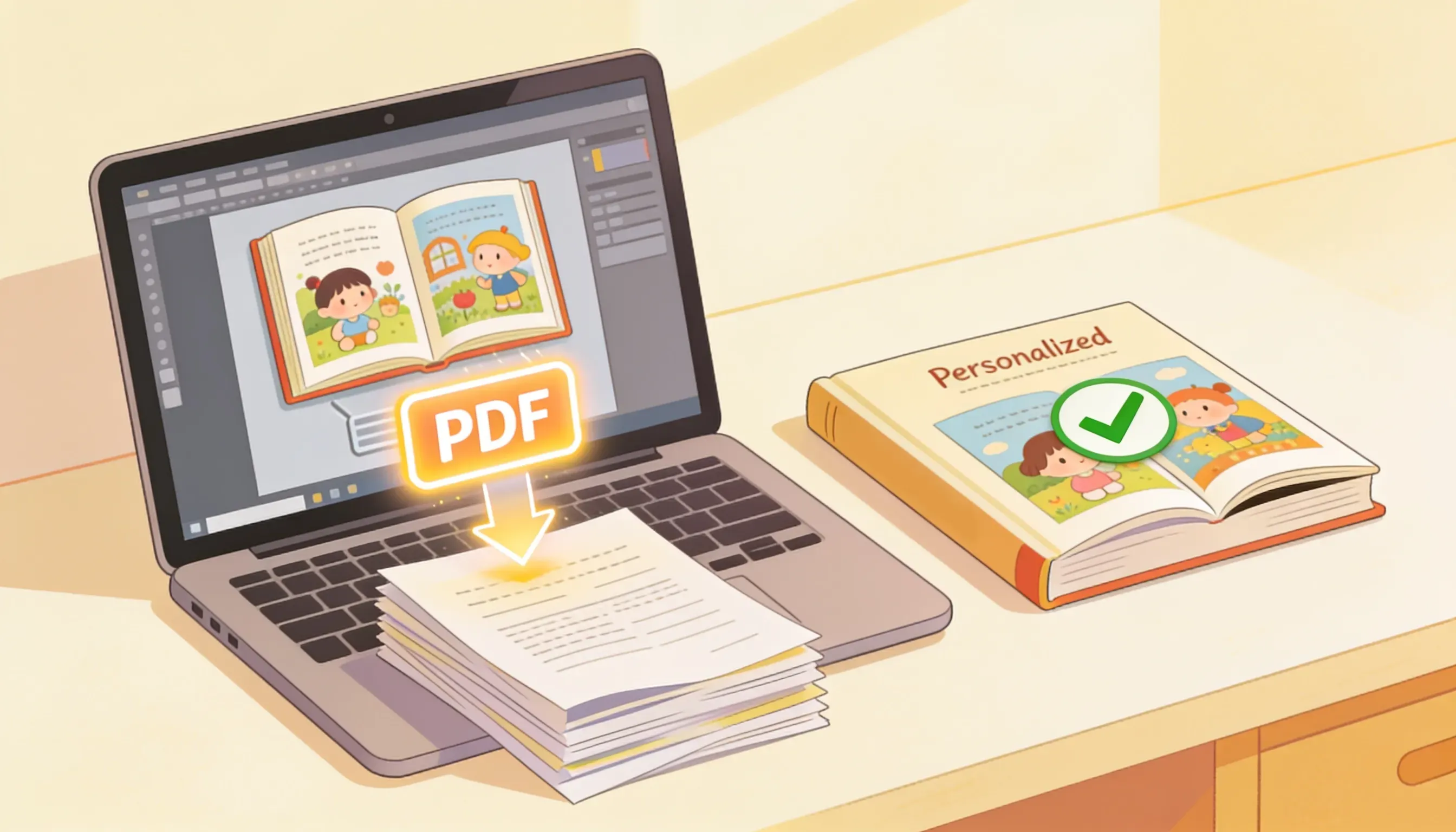
Finish your AnyTale book, open the export menu, pick a format and quality, understand download credits, and save a print-ready PDF in minutes.
Open the picture panel, pick a style, write a prompt, generate art, regenerate variations, and place illustrations on your AnyTale book pages.